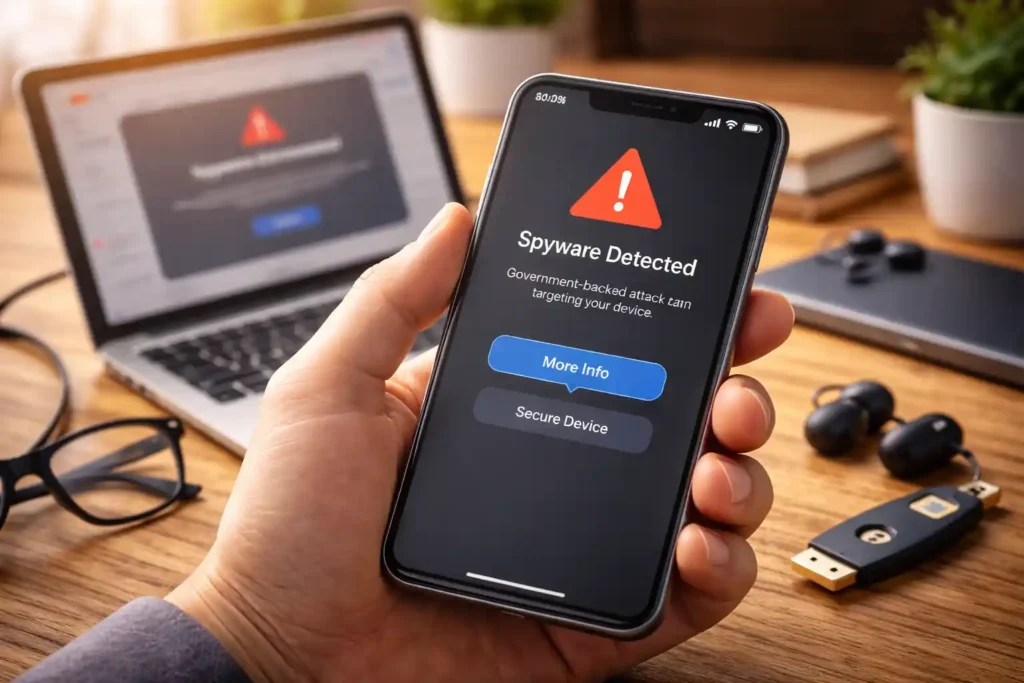
If you’ve received a notification from Apple, Google or WhatsApp saying that your device may have been targeted by government spyware, it can feel alarming. These messages are increasingly sent by major tech companies when their security systems detect activity that looks like sophisticated surveillance. But what does it actually mean, and what should you do next? (The Times of India)
What the Warning Really Means
When a company like Apple or Google alerts you about possible spyware targeting, take it seriously. These platforms collect huge amounts of security data and have teams dedicated to spotting malicious activity long before most users notice anything. A warning doesn’t automatically mean your device is fully infected, but it does suggest someone powerful may have tried to access your information. (TechCrunch)
It’s also worth noting that in some cases especially in Google’s case, the alert may come after the company has already stopped or blocked the attempted attack. Either way, the message is a prompt to tighten up your security and investigate. (Bitget)
First Steps After Receiving a Spyware Alert
Here’s a sensible approach if you find yourself in this situation:
1. Take a Breath and Don’t Panic
Getting a high-severity alert can feel shocking. But remember this: these systems flag suspicious activity, not confirmed infections. Even unsuccessful attempts can trigger warnings. (Bitget)
2. Secure Your Accounts
- Turn on two-factor authentication on all major accounts.
- Use strong, unique passwords.
- Prefer physical security keys or passkeys where available.
At least one big provider recommends these steps right after issuing a spyware alert. (Bitget)
3. Enable Platform Security Features
In the Apple ecosystem, activating Lockdown Mode adds extra protection against sophisticated attacks. In Google accounts, turning on Advanced Protection strengthens your defenses and makes unauthorized access harder. (Bitget)
How to Investigate the Issue Further
Tech companies stop warning and let you take the lead after the initial alert. They won’t investigate for you, so the next steps depend on technical comfort and recourses you can access. (TechCrunch)
For Yourself (Tech Savvy Users)
Tools like the Mobile Verification Toolkit (MVT) let you check for forensic signs of spyware on your own device. This involves generating diagnostic reports and analyzing them for suspicious traces before calling in help. (TechCrunch)
For Journalists, Activists and Civil Society
If you are a journalist, dissident, researcher, human rights defender, or part of civil society, there are specialized organizations that can help you investigate or respond:
- Access Now Digital Security Helpline offers 24/7 support and can help analyze potential spyware cases.
- Amnesty International and its digital security teams investigate targeted spyware attacks.
- The Citizen Lab at the University of Toronto has a long track record of analyzing government-grade spyware and can assist with deeper investigation.
- Reporters Without Borders provides digital security lab support specifically focused on journalism professionals. (TechCrunch)
These groups can guide you through device analysis without requiring you to make your situation public unless you choose to. (TechCrunch)
If You Are Outside Those Categories
The route is less structured if you’re a business executive, politician, or private individual not tied to civil society networks. In that case, your best options include:
- Reaching out to professional cybersecurity firms that specialize in forensic investigations.
- Using reputable mobile security apps that offer deeper analyses or alerts.
- Consulting internal IT or security teams if your device is tied to an organization. (TechCrunch)
Be cautious about smaller or unknown “security” offerings. Spyware investigation is highly specialized, and working with credible teams matters.
What Happens During a Spyware Investigation
A typical investigation starts with a diagnostic report generated from your device. You can share this file without handing over the device, which lets experts look for traces of surveillance activity. If initial checks raise real concerns, deeper analysis may involve copying your data or, in rare cases, examining the device itself in a secure environment. (TechCrunch)
Modern spyware is designed to hide its tracks and can sometimes uninstall itself after stealing data. That makes detection and recovery more difficult than with average malware. Both outcomes whether something suspicious is found or not are important in understanding what happened and what steps to take next. (TechCrunch)
A Reality Check
Targeted government spyware is not something most people encounter. These tools are typically deployed at the highest levels of surveillance and often against specific profiles, such as civil society members, journalists, or political figures. There have been documented cases where commercial spyware was used against journalists and activists globally, leading to increased scrutiny and legal pushback from platforms such as WhatsApp and Meta. (The Guardian)
Final Thoughts
Receiving a government spyware alert can be unsettling, but it doesn’t mean your entire digital life is compromised overnight. What it does mean is you need to take action: secure your accounts, strengthen device protections, and consider professional help if the threat feels real and tailored.
Stay calm. Update your security. And if you need assistance, reach out to the right experts who understand how to navigate these highly specialized threats.
If you play it smart, you can move from uncertainty to control and that’s the strongest defense anyone can have in the face of advanced digital threats.